# FAQ Settings
How to Create a FAQ
As an Admin you can add FAQ questions to your website. The below steps might help to create FAQ for customers:
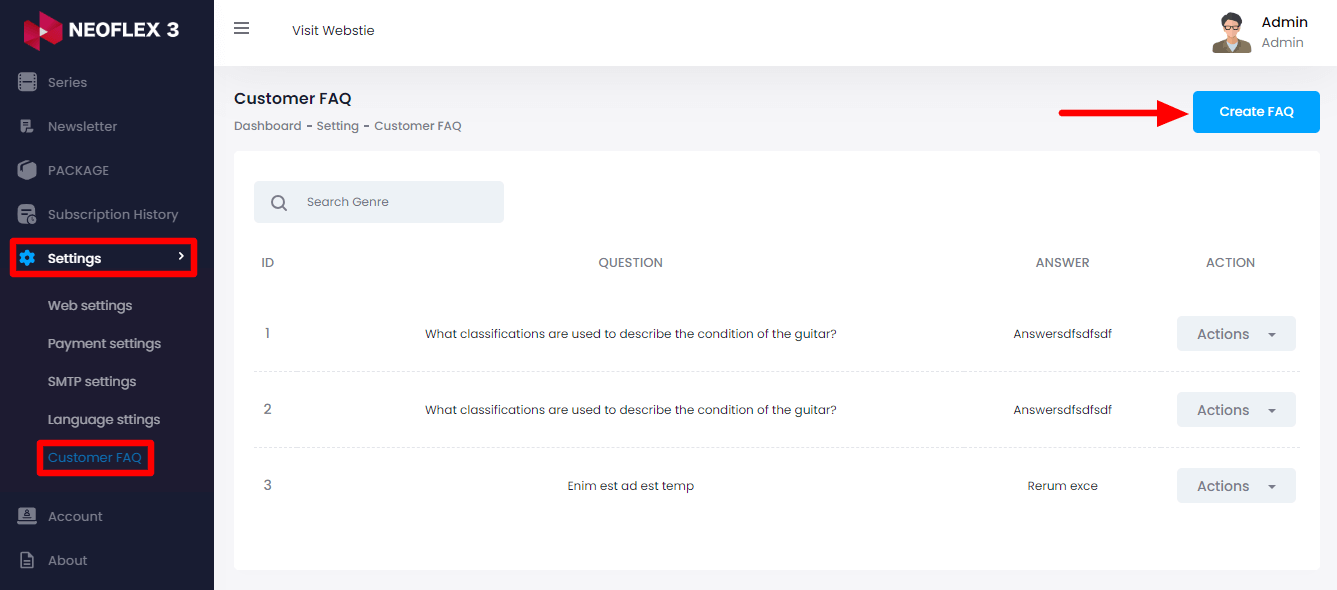
Login as Admin
Select the "Settings" option from the left menu
Choose "Customer FAQ" from the sub-menu
Then click on the "Create FAQ" button from the right side
Here you need to provide:
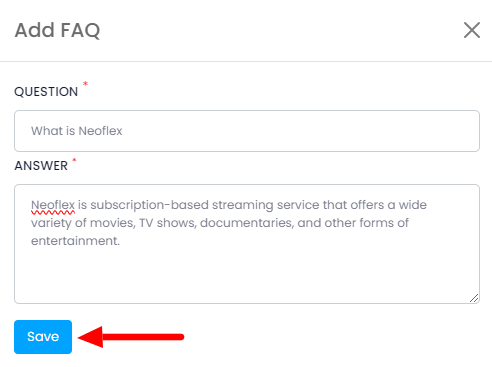
Questions that might be asked &
Provide its Answer
Then click on the "Save" button to create the FAQ.
How to modify the FAQ
You can follow the below steps to modify the FAQ:
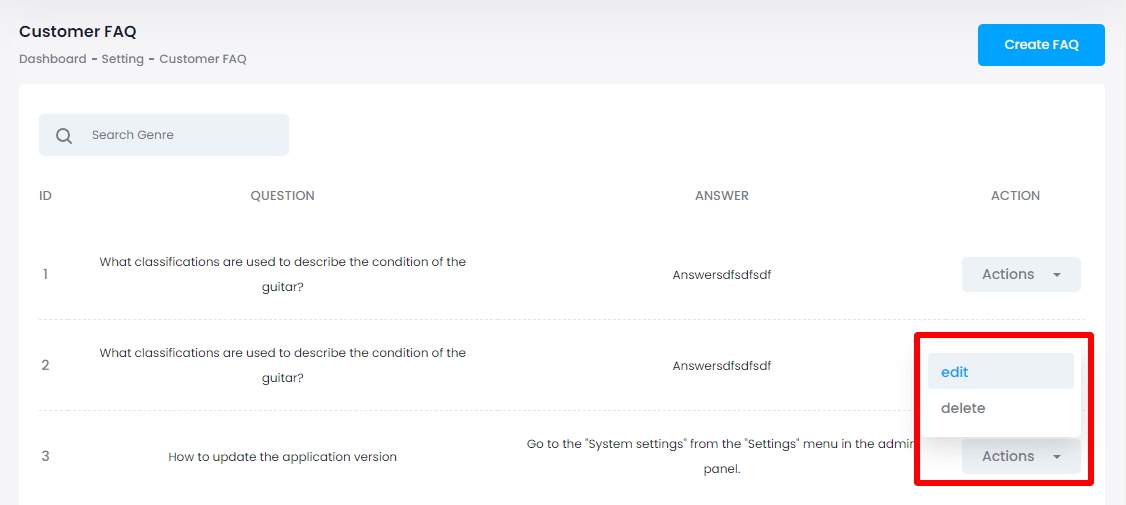
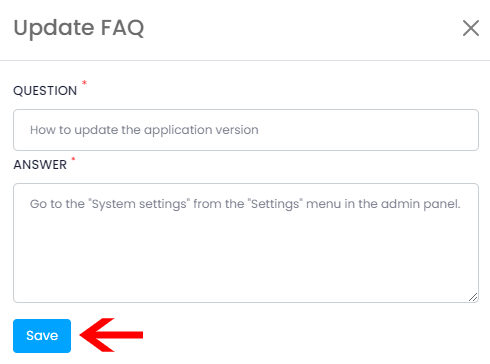
Click on the "edit" button from the action bar
Modify the information & click on the "Save" button to save the changes.
How to Delete FAQ
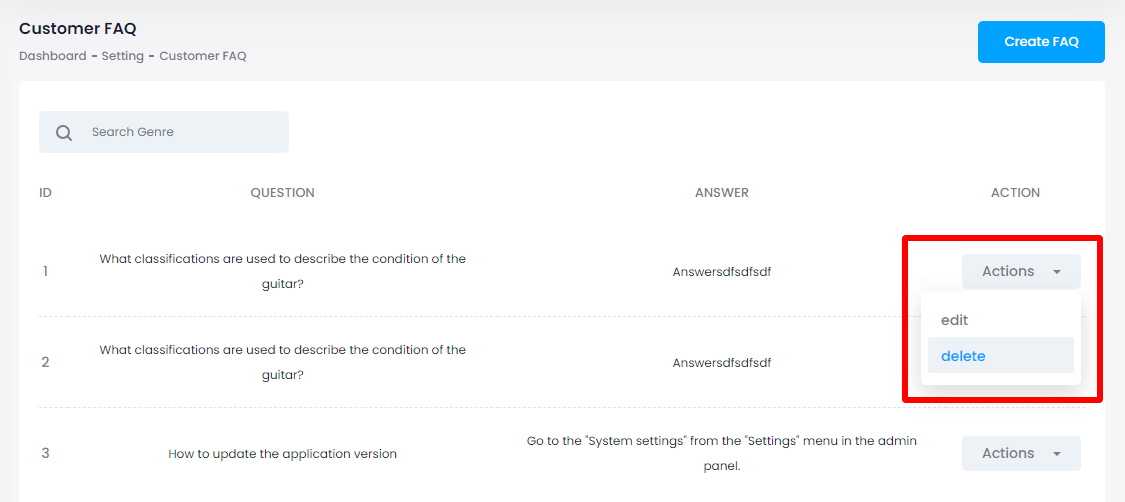
You can follow the steps below to delete the FAQ:
Click on the "delete" button from the action panel
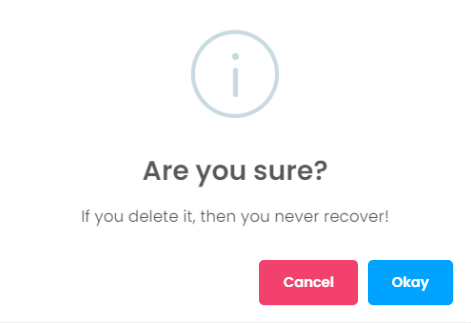
Tap on the "Okay" button for confirmation