# How To Add and Manage Category
On your website, you can add numerous categories. Through categories, your users can browse with ease to get the exact results they need. The below steps can be followed to add a category:
Login as Admin
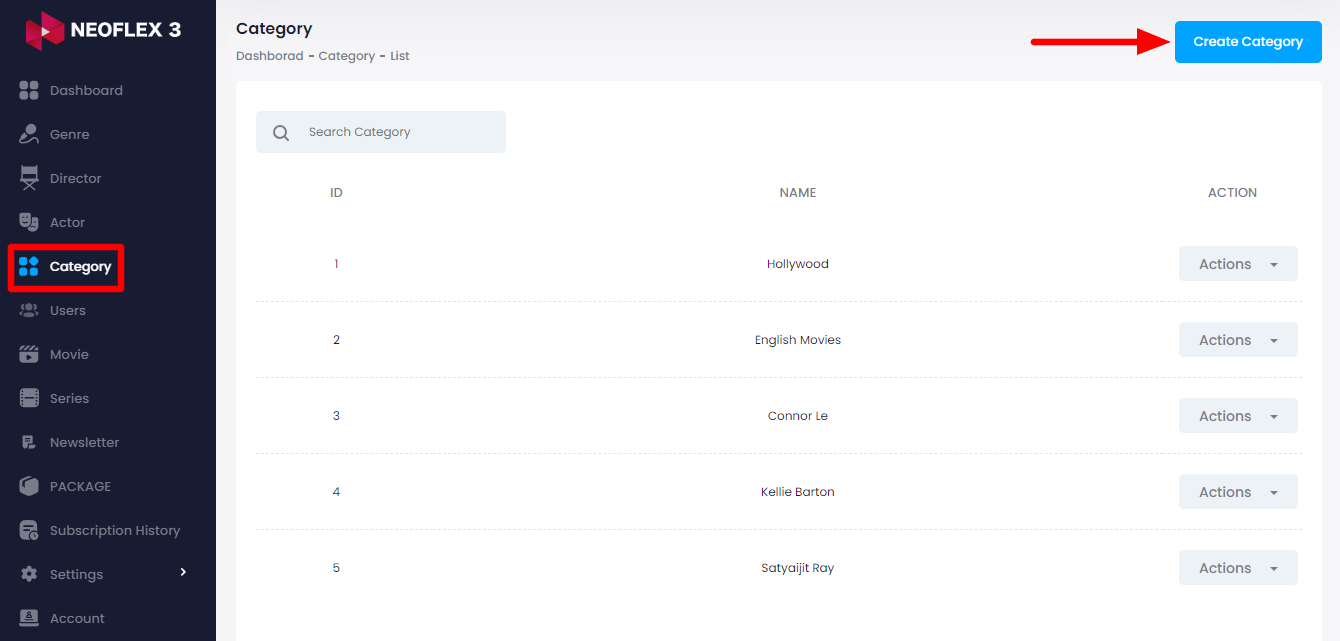
Select the "Category" option from the left menu.
Click on the "Create Category" button from the right side
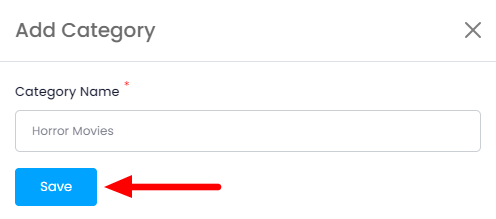
Here you need to provide:
Category Name &
Click on the "Save" button for creating a Category.
How to Manage Category
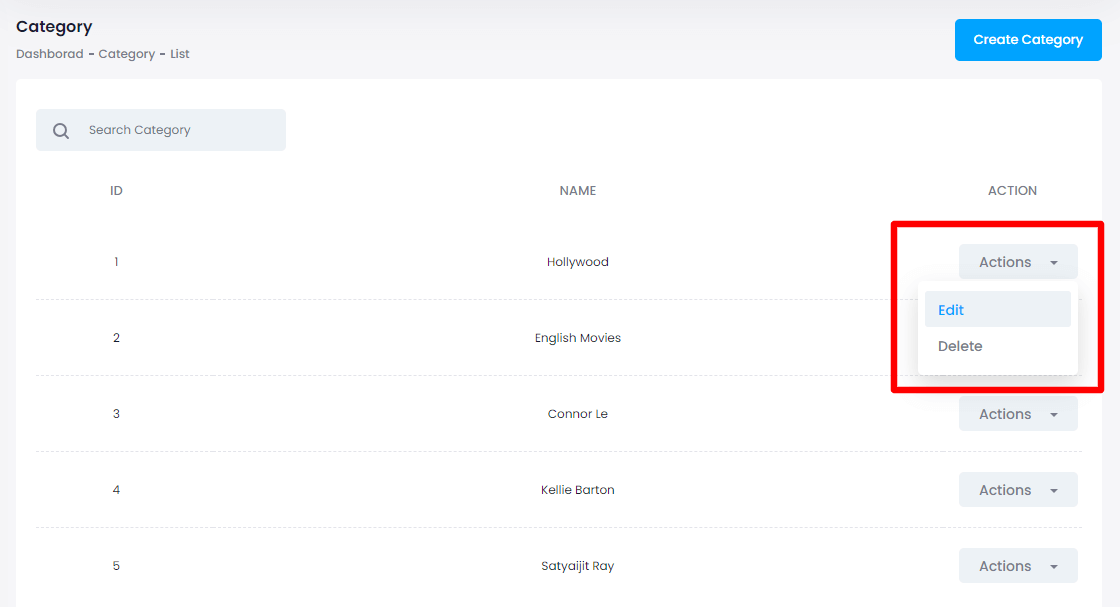
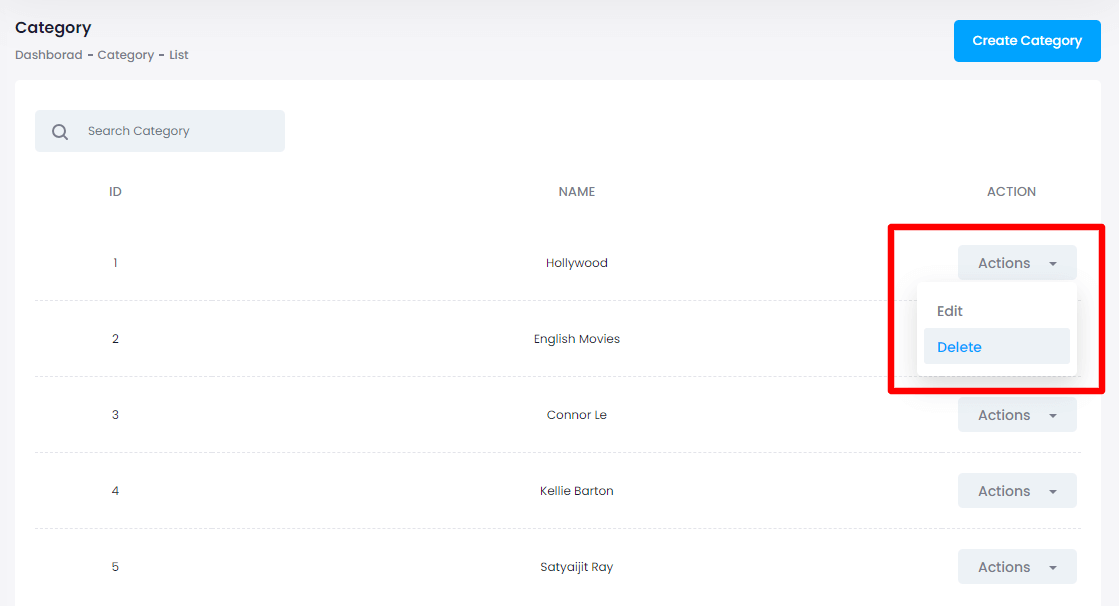
After creating the category click on the "edit" button from the action bar to edit the created category.
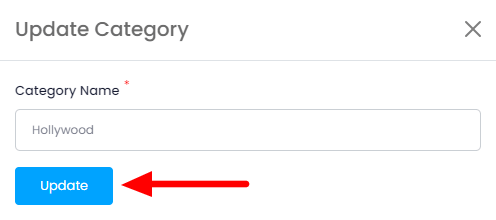
Modify the category name and tap on the "Update" button to save the changes.
How to Delete Category
The following steps might help to delete a category:
Click on the "delete" button from the action bar
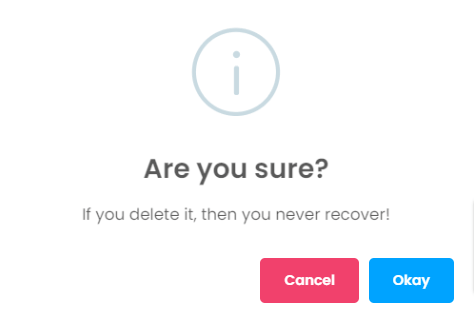
Tap on the "Okay" button for confirmation