# Managing Admin Account
Admin can edit & modify their profile anytime from the Admin Panel. The below steps might help to manage the Admin profile:
Login as Admin
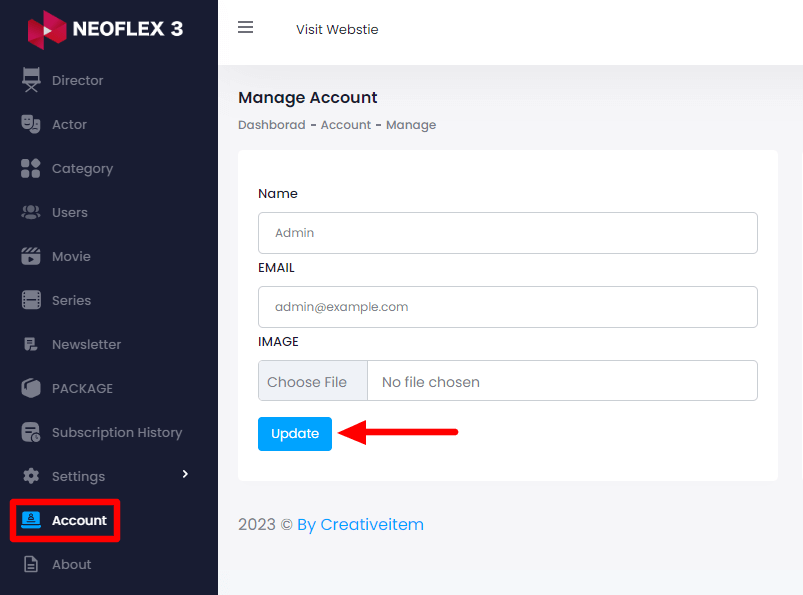
Select the "Account" option from the left menu
Here you can Update:
Your Name
Email Address &
Image
After Updating click on the "Update" button for saving the information.
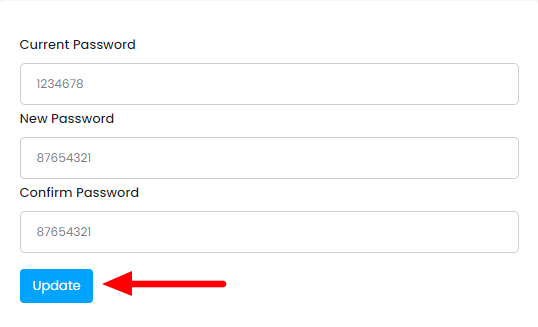
You can also update your password from the right side of this section. After updating click on the "update" button for saving the changes.