# How to Create and Manage Actor
You can easily add information on actors here in this section. You have the option to create, edit, update, and delete them. The below steps might help to create an actor:
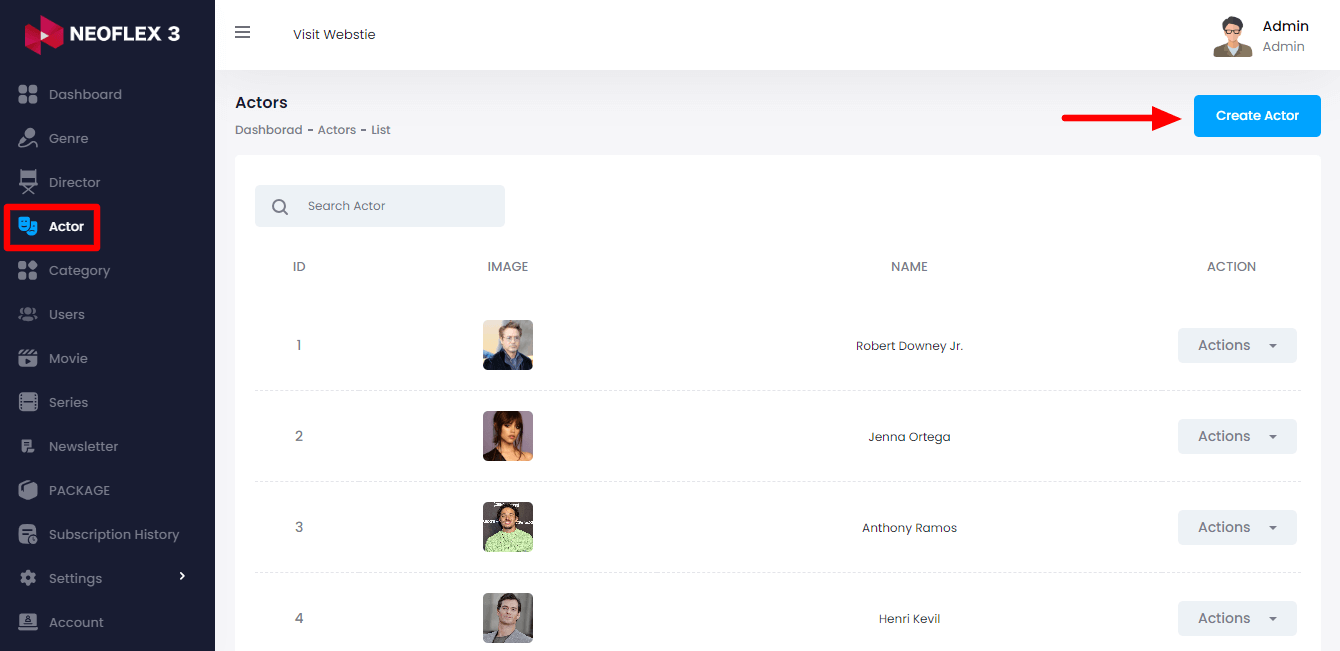
Select the "Actor" option from the left menu.
Click on the "Create Actor" button from the right side
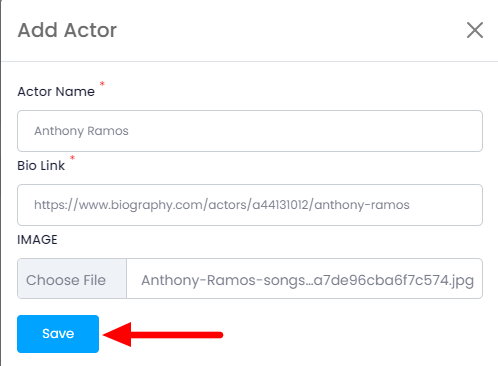
Here you need to provide:
Actor Name
Their Bio Link &
A Picture for Profile
After providing the information click on the "Save" button for adding an actor.
How to Manage Actor
The below steps can be followed:
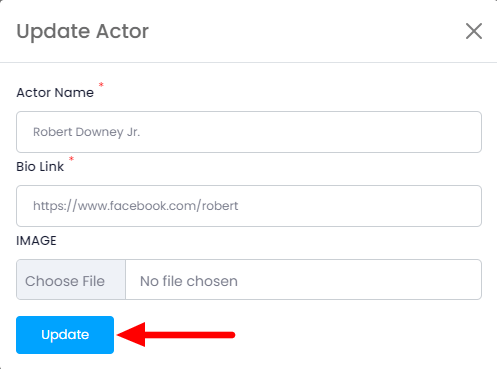
Click on the "edit" button from the action bar
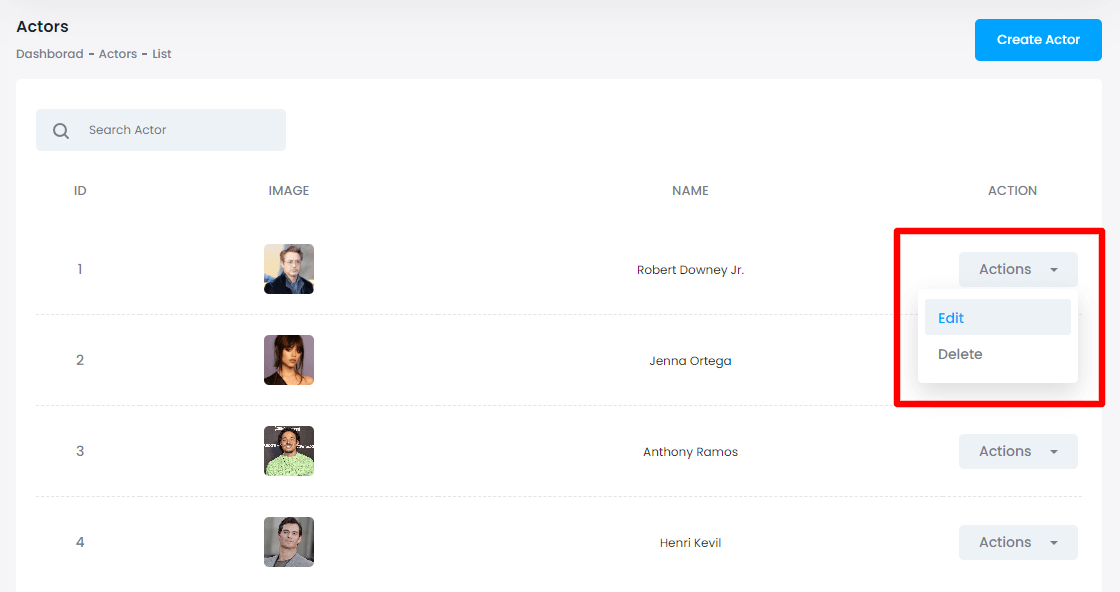
Change the information & click on the "Update" button to save the changes.
How to Delete Actor
The below steps can be helpful for deleting an actor:
- Click on the "delete" button from the action bar
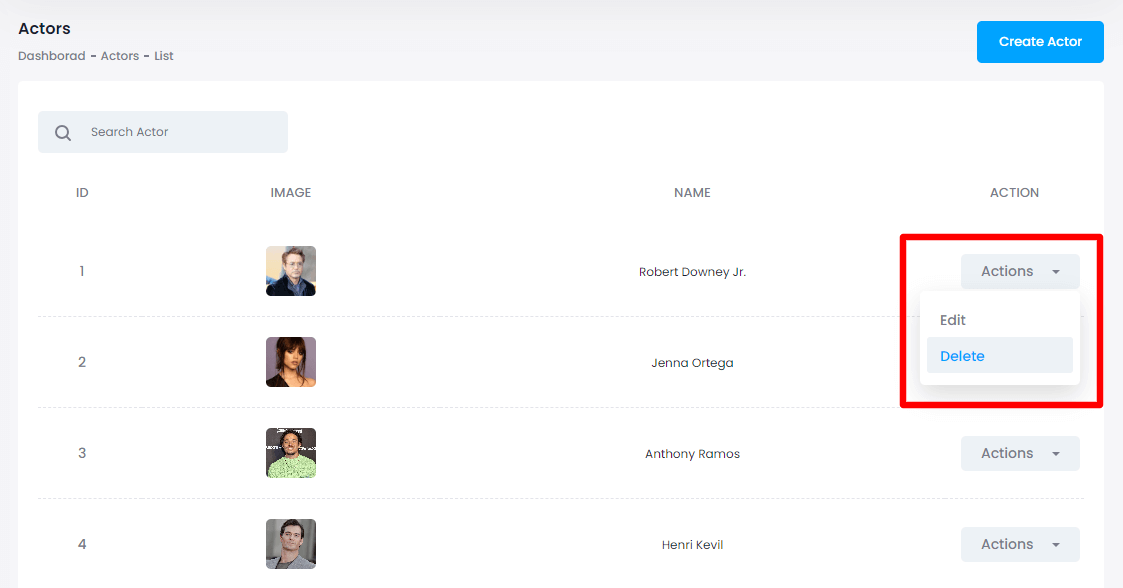
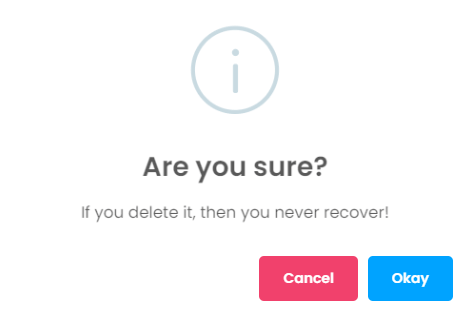
Tap on the "Okay" button for confirmation