# How to Create and Manage Users
The administrator has the option to add, edit, and remove users from this user panel. With a few clicks, the user panel can be managed. The following steps might help to create a user:
Login as Admin
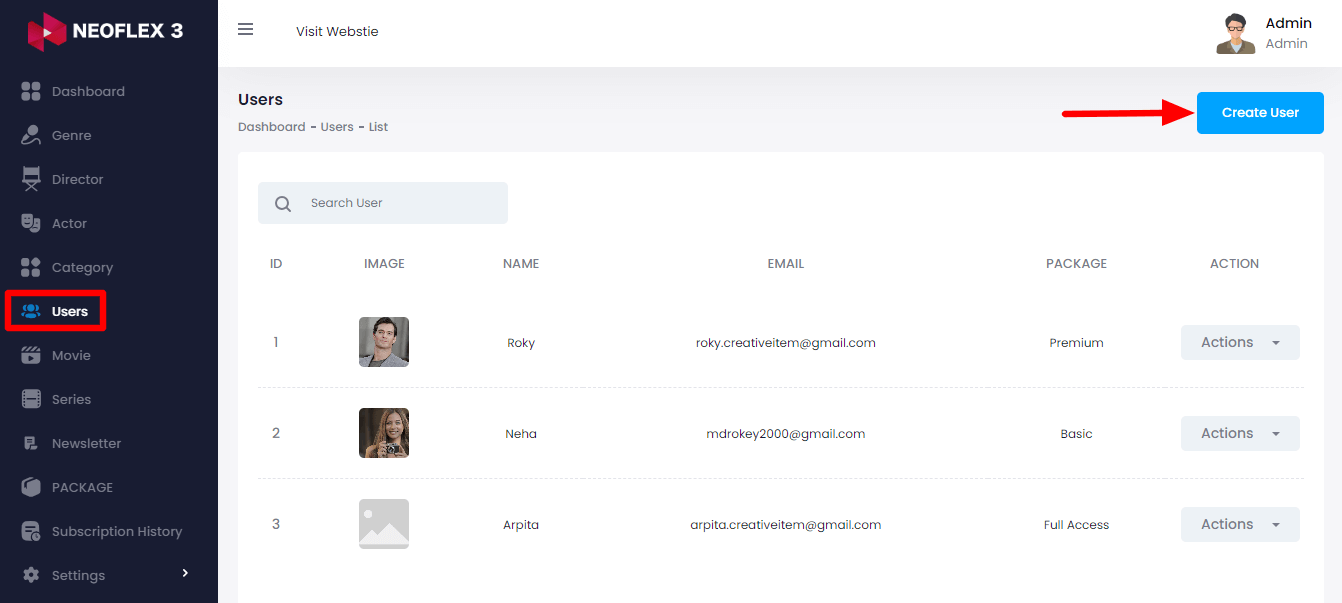
Select the "User" option from the left menu
Then click on the "Create User" button from the right side
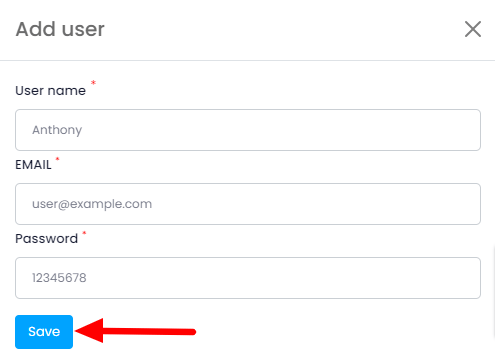
Here you need to provide:
User Name
User Email Address &
A Password
Then click on the "Save" button to create a new user.
How to Manage User
The below steps can be followed to manage users:
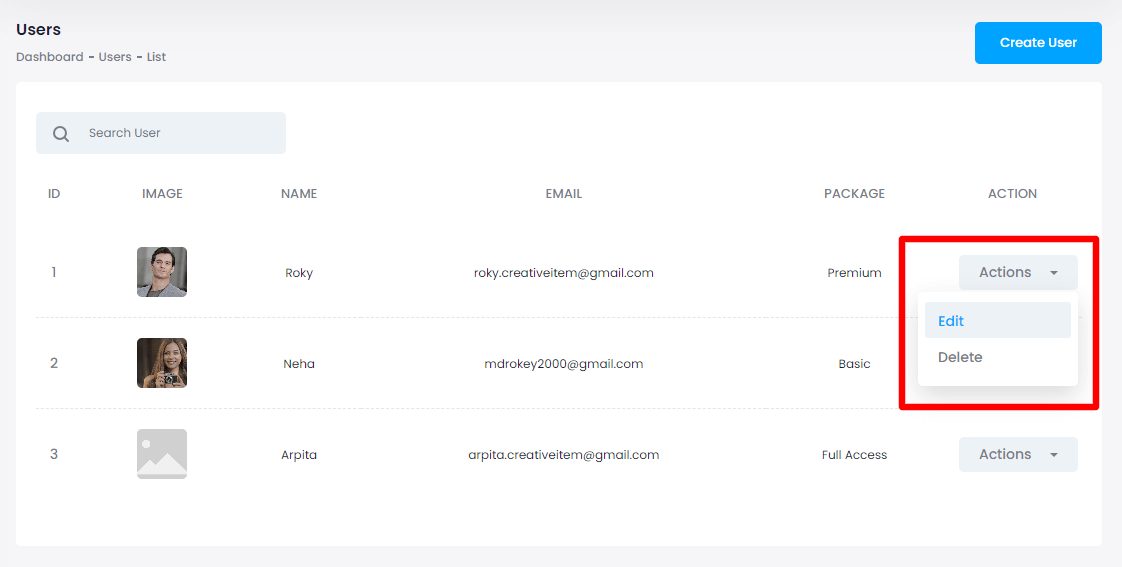
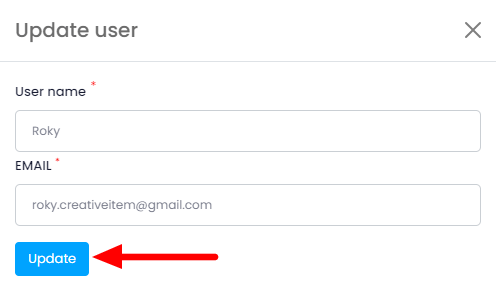
Click on the "edit" option from the action bar.
Change the information & click on the "Update" button to save the changes.
How to Delete Users
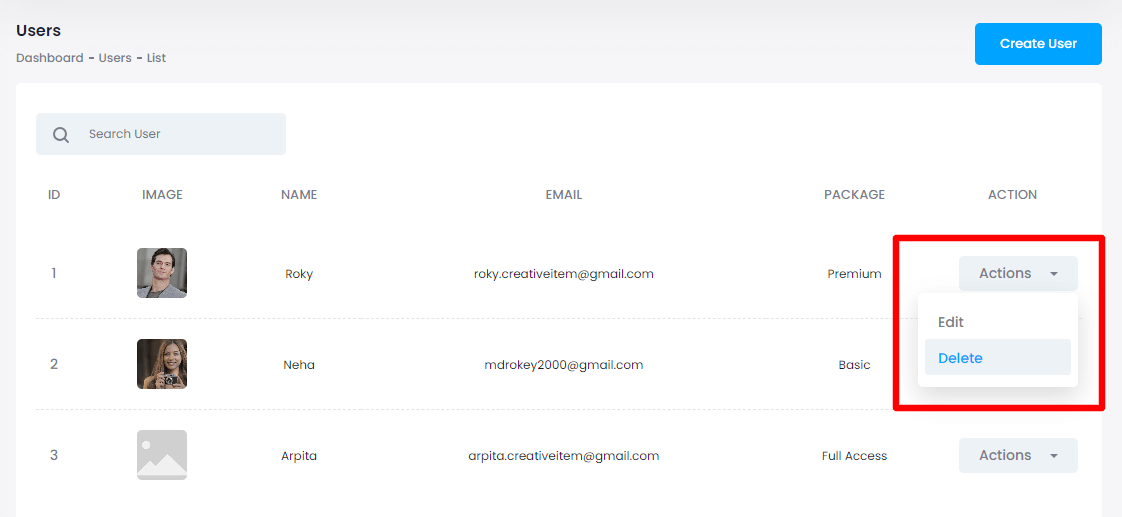
You can follow the below steps to delete a user:
Click on the "Delete" button from the action bar.
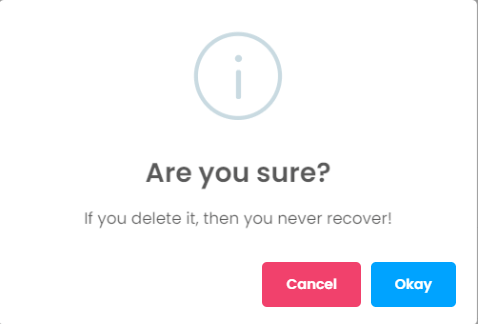
Tap on the "Okay" button for confirmation.