# How to Manage Newsletter
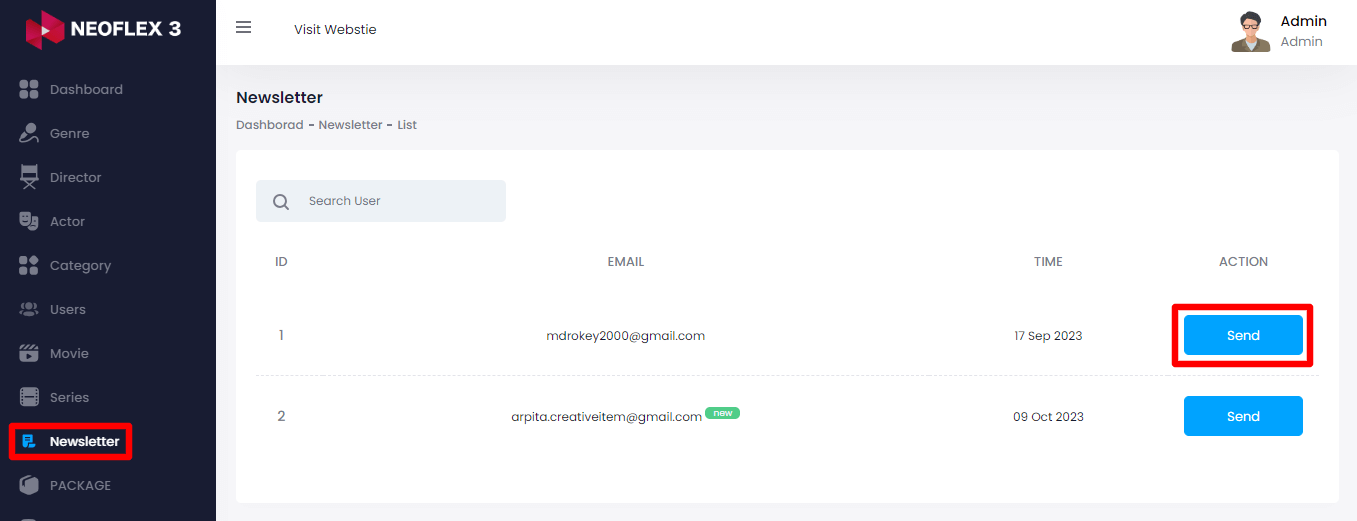
This page shows the email addresses of users who have contacted through the homepage area. This area allows you to send them notice emails to their email address. The below steps can be followed to manage the newsletter in the admin panel:
Login as Admin
Select the "Newsletter" option from the left menu
Click on the "Send" button from the right side to send them a message
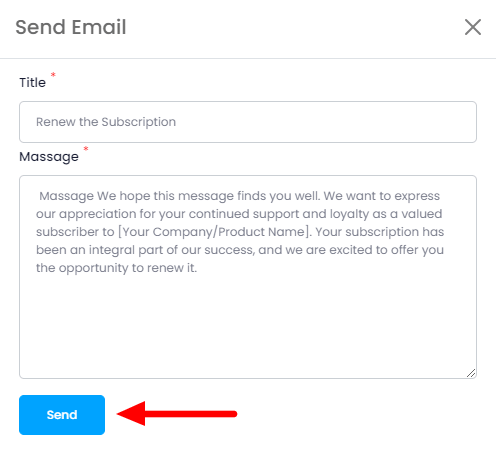
Here you need to provide:
Title &
Message
Then click on the "Send" button to send the message.